
Practical overview
When it fits
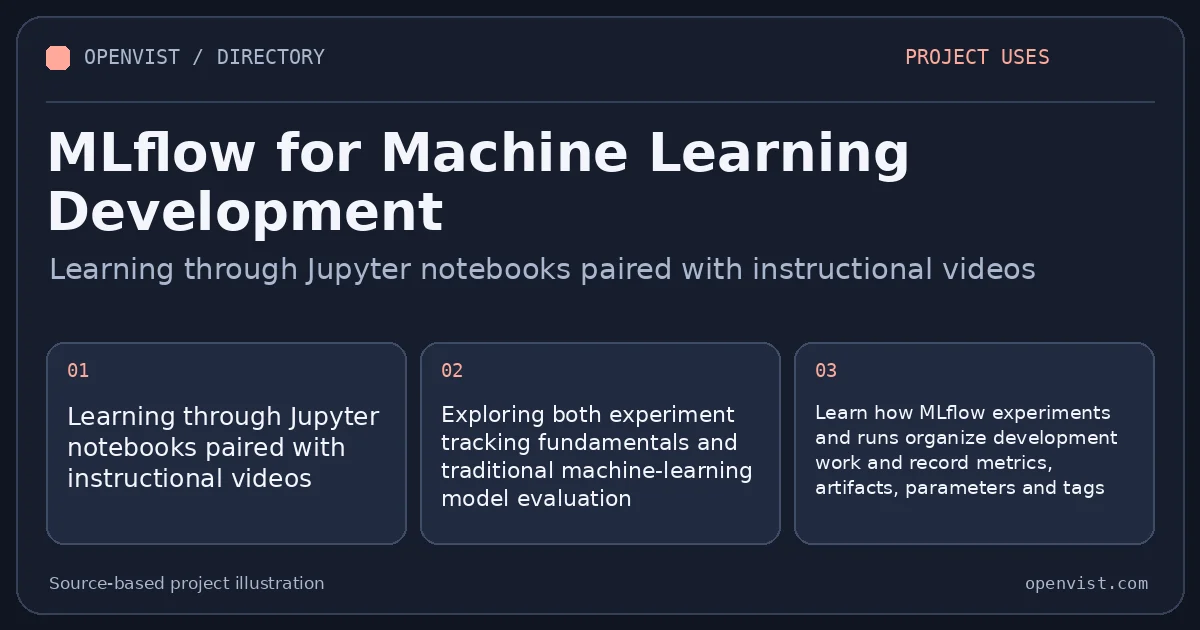
Use it when you want notebook-based examples to accompany a video-led study of MLflow, from experiment tracking through model evaluation and registry concepts.
Who it is for
- Learners following a practical introduction to MLflow experiments and runs.
- Machine-learning developers studying model tracking, evaluation or registry workflows.
Documented uses
- Learn how MLflow experiments and runs organize development work and record metrics, artifacts, parameters and tags.
- Study how to track models with MLflow flavors and provide signatures, input examples and other metadata.
- Explore custom Pyfunc models, Model Registry concepts and operations, and traditional model evaluation using `mlflow.evaluate`.
Requirements & limits
- Running the notebooks requires a Python virtual environment, Jupyter with a suitable kernel, and packages including MLflow, scikit-learn and pandas.
- The README documents both Poetry-based and pip-based environment setup.
- Without Poetry, the documented command-line entry-point functions require code refactoring before direct execution.
Check current requirements in the official documentation. Source-based guidance does not mean OpenViST has run or independently tested this project.
Set up the notebook environment with Poetry
Create the project virtual environment and activate it for working with the repository's notebooks.
Before you start
- Poetry installed using its official installation instructions.
Steps
Clone or otherwise obtain the repository.
From the project directory, run
poetry installto create the virtual environment and install project dependencies.Run
poetry shellto activate the environment.
Expected outcome
The project environment is installed and activated for notebook work.
Guide limitations
- The README says to use Jupyter with its respective kernel and lists packages including scikit-learn, MLflow and pandas.
- This setup guidance does not describe running a particular notebook or verifying an outcome.
Set up the notebook environment without Poetry
Create and activate a Python virtual environment, then install the repository's requirements.
Before you start
- Python and a terminal.
Steps
From the project directory, run the command below.
python -m venv .venvActivate the environment with
.venv\Scripts\activatein Command Prompt, orsource .venv/Scripts/activatein Git Bash.Run the command below.
pip install -r requirements.txt
Expected outcome
The virtual environment is activated and the listed requirements are installed.
Guide limitations
- The README says entry-point functions cannot be executed directly through the command line in this setup without refactoring the code.
- The README also calls for Jupyter and its respective kernel, and names scikit-learn, MLflow and pandas among required packages.
Sources & review
Source record details
- Source availability
- Active
- Sources checked
- 23 October 2026
- Original website title
- manuelgilm/mlflow_for_ml_dev · Official homepage title · retained in its source language