
Practical overview
When it fits
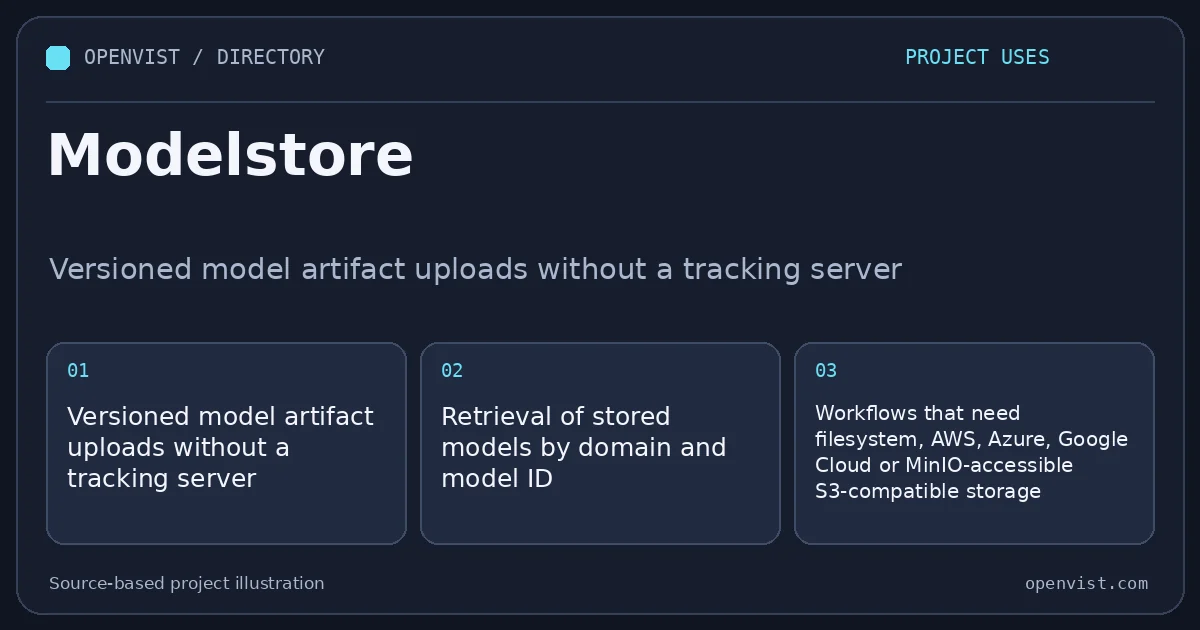
Use Modelstore when a Python workflow needs model artifact storage, versioned uploads and later retrieval, especially when choosing among local filesystem and supported cloud storage.
Who it is for
- Machine-learning practitioners who need to save and retrieve model artifacts.
- Teams looking to version uploads without a tracking server.
- Python users working with supported frameworks such as Keras, PyTorch, scikit-learn, TensorFlow and transformer models.
Documented uses
- Upload a model artifact and assign it a new version.
- Organize and list models by domain and manage their states.
- Download a model by ID or load it from storage into memory.
- Use filesystem or supported cloud/object storage as the artifact destination.
Requirements & limits
The repository documents installation with pip and identifies Modelstore as open source under the Apache-2.0 license.
- Select a documented backend: filesystem, AWS S3, Azure Blob Storage, Google Cloud Storage or S3-compatible storage accessible via MinIO.
- Check the repository's framework examples; raw-file upload is described for models from frameworks without a listed example.
- Uploads create model versions, while model organization can use domains and states.
- The documented Python workflow requires backend-specific configuration, such as a GCP project and bucket for the Google Cloud example.
Check current requirements in the official documentation. Source-based guidance does not mean OpenViST has run or independently tested this project.
Upload and load a model with a Google Cloud Storage bucket
Use the documented Python example to upload a trained model to a GCP-backed Modelstore and load it by its model ID.
Before you start
- Python with modelstore installed using pip install modelstore.
- A trained model object and the other imports required by the example.
- A Google Cloud project and bucket, supplied to ModelStore.from_gcloud.
Steps
Create a ModelStore with ModelStore.from_gcloud using the project name and bucket name.
Choose a domain and upload the model with model_store.upload(domain, model=clf).
Read the model ID from the returned metadata.
Load the model with model_store.load using the domain and model ID.
Expected outcome
The example returns upload metadata and loads the selected model from storage.
Guide limitations
- The example presumes a trained model and an available, configured Google Cloud bucket.
- The README example's final load line refers to variable names not defined in the displayed snippet; adapt the names to the metadata and domain used in your script.
Sources & review
Source record details
- Source availability
- Active
- Sources checked
- 23 October 2026
- Original website title
- operatorai/modelstore · Official homepage title · retained in its source language