
Practical overview
When it fits
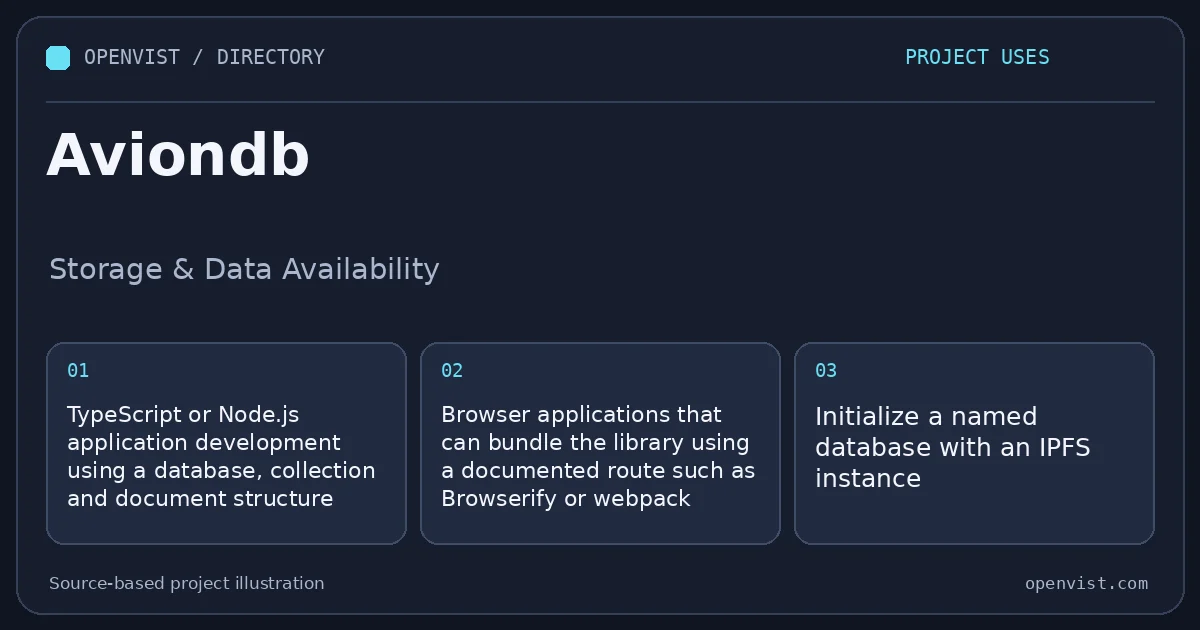
Consider Aviondb when an application needs structured-data operations over OrbitDB stores and a MongoDB-like database model. Review its alpha-stage status and version guidance before adopting it.
Who it is for
- Developers building applications that need structured records in a distributed database model.
- Teams looking for database, collection and document operations through a MongoDB-like interface over OrbitDB.
Documented uses
- Initialize a named database with an IPFS instance.
- Create collections and insert structured documents.
- Find documents by field or identifier and update matching records.
Requirements & limits
The repository is public and lists an MIT license.
- The README example uses IPFS and specifies js-ipfs 0.44.0 while an upgrade is underway.
- Node.js 8.6.0 is the stated minimum; the README also describes browser use and Linux, macOS and Windows support.
- The project identifies itself as alpha-stage, says its APIs and data formats may change, and states it has not been security audited.
Check current requirements in the official documentation. Source-based guidance does not mean OpenViST has run or independently tested this project.
Set up Aviondb and perform basic document operations
Initialize an IPFS-backed Aviondb database, add a collection and use the example's insert, find and update operations.
Before you start
- Node.js 8.6.0 or later
- Aviondb installed through npm
- js-ipfs 0.44.0, as specified by the README
Steps
Install Aviondb with npm and import Aviondb and IPFS in the application.
Create an IPFS instance with IPFS.create(), then initialize Aviondb with a database name and the IPFS instance.
Create a collection with initCollection() and insert a document using insertOne().
Use findOne() to query a field, then update a matching record with update().
Expected outcome
An application can follow the README example to create a database and collection and carry out basic document insertion, lookup and update operations.
Guide limitations
- The README identifies Aviondb as alpha-stage and says APIs and data formats may change.
- The project states that it has not been security audited.
- The README asks users to use js-ipfs 0.44.0 while an upgrade to newer versions is in progress.
Sources & review
Source record details
- Source availability
- Active
- Sources checked
- 23 October 2026
- Original website title
- aviondb/aviondb · Official homepage title · retained in its source language