
Practical overview
When it fits
Use IndexTTS when you want a self-hosted route to text-to-speech and voice cloning, or need the documented language and delivery controls in IndexTTS-2.5.
Who it is for
- Developers who want to run speech generation locally through a WebUI or Python inference script.
- Creators who need voice-cloned, cross-lingual or controllable speech generation.
Documented uses
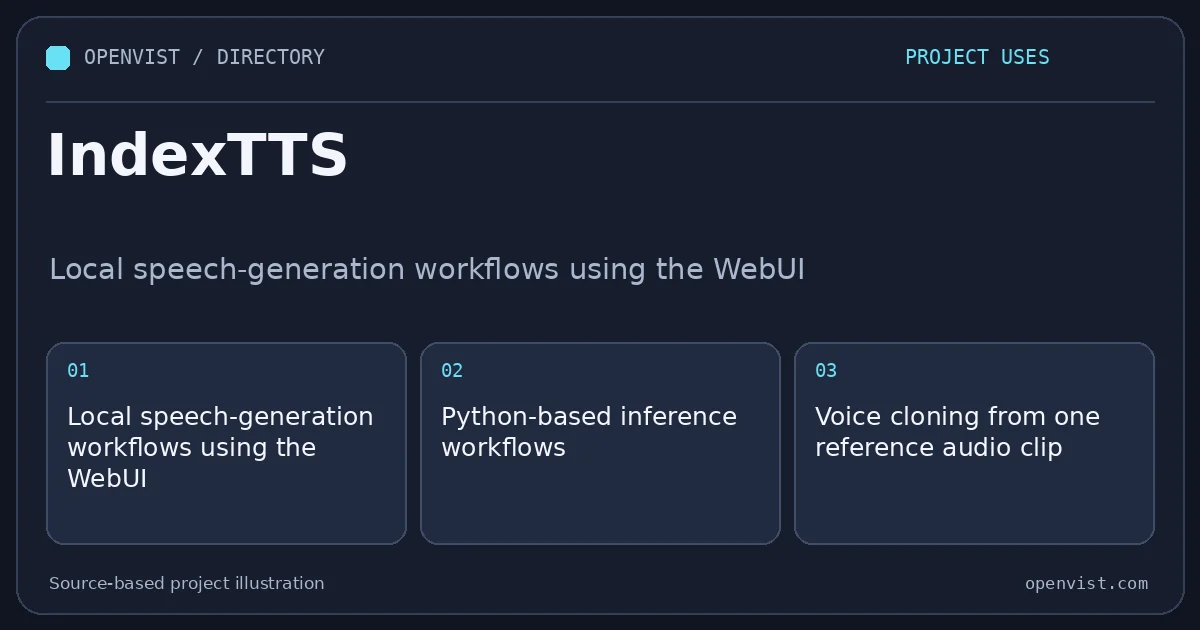
- Turn text into spoken audio.
- Generate speech using a voice represented by a reference audio clip.
- Create speech across the documented languages and adjust emotion, speed or pronunciation with IndexTTS-2.5.
Requirements & limits
- The repository documents both a local WebUI and Python inference; production serving is directed to a separate vLLM recipe.
- Model files must be downloaded separately from Hugging Face or ModelScope.
- The WebUI's documented language and control features vary by model version.
Check current requirements in the official documentation. Source-based guidance does not mean OpenViST has run or independently tested this project.
Set up the local WebUI
Prepare IndexTTS dependencies, download a model and open its documented local WebUI.
Before you start
- Git
- uv
- CUDA Toolkit 12.8 or newer if a CUDA error occurs
- A model download from Hugging Face or ModelScope
Steps
Clone the IndexTTS repository and enter its directory.
Install uv, then run the command below to create the project environment and install dependencies.
uv sync --all-extrasDownload a model into the documented checkpoints directory using Hugging Face CLI or ModelScope.
Run the command below and open
http://127.0.0.1:7860in a browser.uv run webui.py
Expected outcome
The locally launched WebUI provides the documented interface for using the downloaded model.
Guide limitations
- The README warns that DeepSpeed can be difficult to install on Windows; it can be omitted by choosing extras manually.
- DeepSpeed may improve or reduce inference speed depending on hardware, drivers and operating system.
Sources & review
Source record details
- Source availability
- Active
- Sources checked
- 21 October 2026
- Original website title
- index-tts/index-tts · Official homepage title · retained in its source language