
OpenViSTAI · Agents · Blockchain · Crypto
Menu
OPENVIST RECIPES

Compare declared permission sets with JavaScript

JavaScript

Report added, removed and unchanged permission labels between two supplied sets.

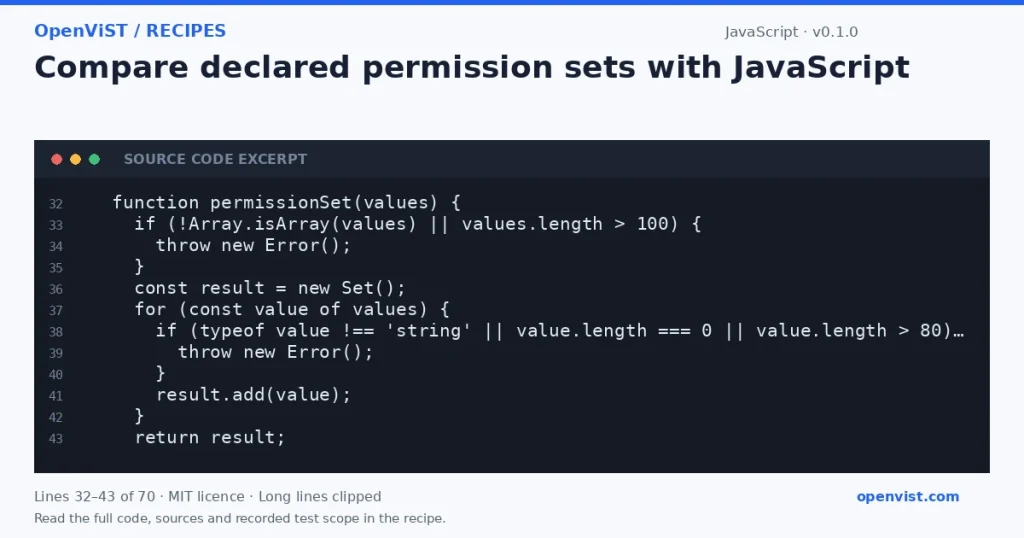
JavaScript code excerpt: Compare declared permission sets with JavaScript. Version 0.1.0. Read the full recipe for code, sources and recorded test scope.

Report added, removed and unchanged permission labels between two supplied sets. This is a local data check under the documented conventions; it does not execute tools or contact a service.

Before you start

  • Save the code as recipe.cjs and run node recipe.cjs with Node.js 22. Supply JSON through stdin and finish with EOF. No CLI arguments, including help options, are accepted.
  • Input must be a JSON object containing before and after arrays. For example: {"before":["read","write"],"after":["read","share"]}. Additional fields are ignored.
  • Each array may contain at most 100 entries. Every entry must be a nonempty string of at most 80 JavaScript UTF-16 code units. Empty arrays are allowed.
  • Spelling, whitespace and case are preserved. Identical strings collapse into one Set entry. Each output array is sorted using JavaScript's default UTF-16 string order.
  • Successful processing exits normally with status 0, emits exactly one JSON object followed by a newline, and emits no stderr. Invalid arguments, invalid input and stdin read failures exit 2 with no stdout and the generic lowercase stderr diagnostic error: invalid input.
  • Only node:fs readSync is used for stdin reads. The CLI does not open input paths, write files, run external commands or contact a network.

Build and check

  1. Use Node.js 22 CommonJS. Save the code as recipe.cjs.
  2. Save the supplied JSON example as input.json, encoded as UTF-8 without a BOM.
  3. Run: node recipe.cjs < input.json
  4. Compare the output with the expected result; handle exit code 2 as invalid input.

Limits to understand

  • Reads at most 65537 bytes and rejects input exceeding 65536 bytes. UTF-8 decoding is strict. A leading UTF-8 BOM is preserved by the decoder and rejected by JSON.parse.
  • Native JSON.parse semantics apply, including handling of duplicate object keys. There are no integer fields in the required schema; ignored additional fields are not validated.
  • The input buffer, decoded text, complete parsed input, permission sets and output are held in memory. Memory use is greater than the input byte limit and depends on the parsed JSON structure.
  • Synchronous stdin reads can block while waiting for data or EOF.
  • Successful output contains supplied permission labels and may be sensitive. The CLI does not redact those labels.
  • Output-write failures are excluded from the stated exit-status and diagnostic guarantees.
  • This compares declared labels only. It does not determine effective permissions, authorize actions or provide a provider integration.

Run it

node recipe.cjs < input.json

Example input

{"before": ["read", "write"], "after": ["read", "execute"]}

Expected output

{"added": ["execute"], "removed": ["write"], "unchanged": ["read"]}
INSPECT THE SCRIPT

Inspect, copy and run the documented checks.

This browser preview builds code locally. It does not contact an API or run the code.

Default example ready.

JavaScript example
'use strict';

const { readSync } = require('node:fs');

let output;
try {
  if (process.argv.length !== 2) {
    throw new Error();
  }

  const bytes = Buffer.alloc(65537);
  let used = 0;
  while (used < bytes.length) {
    const count = readSync(0, bytes, used, bytes.length - used, null);
    if (count === 0) break;
    used += count;
  }
  if (used > 65536) {
    throw new Error();
  }

  const text = new TextDecoder('utf-8', {
    fatal: true,
    ignoreBOM: true
  }).decode(bytes.subarray(0, used));
  const input = JSON.parse(text);

  if (input === null || typeof input !== 'object' || Array.isArray(input)) {
    throw new Error();
  }

  function permissionSet(values) {
    if (!Array.isArray(values) || values.length > 100) {
      throw new Error();
    }
    const result = new Set();
    for (const value of values) {
      if (typeof value !== 'string' || value.length === 0 || value.length > 80) {
        throw new Error();
      }
      result.add(value);
    }
    return result;
  }

  const before = permissionSet(input.before);
  const after = permissionSet(input.after);
  const added = [];
  const removed = [];
  const unchanged = [];

  for (const label of after) {
    if (!before.has(label)) added.push(label);
  }
  for (const label of before) {
    if (after.has(label)) unchanged.push(label);
    else removed.push(label);
  }

  added.sort();
  removed.sort();
  unchanged.sort();
  output = JSON.stringify({ added, removed, unchanged });
} catch {
  process.stderr.write('error: invalid input\n');
  process.exit(2);
}

// Output-write failures are deliberately outside the input-error handler.
process.stdout.write(output + '\n');
What to verify after running
  • The supplied example must match the documented JSON output.
  • Error cases must exit 2 with no stdout. Review sensitive successful output before sharing it.

Request or format preview

Illustrative preview. No provider response, price or balance is fetched.

Change a setting to inspect the preview.

Official sources and related profiles

    Code license: MIT. Keep the license notice with your copy.

    Example version 0.1.0 · Documentation reviewed 2026-10-14.

    Six independent CLI fixtures and 10 curated supplementary checks passed in the pinned offline Node.js 22 CommonJS container. This does not establish exhaustive correctness, production performance or compatibility with an external provider.

    Related browser tools

    Inspect related data locally in your browser. These tools have their own input rules and limits; they do not execute this recipe.