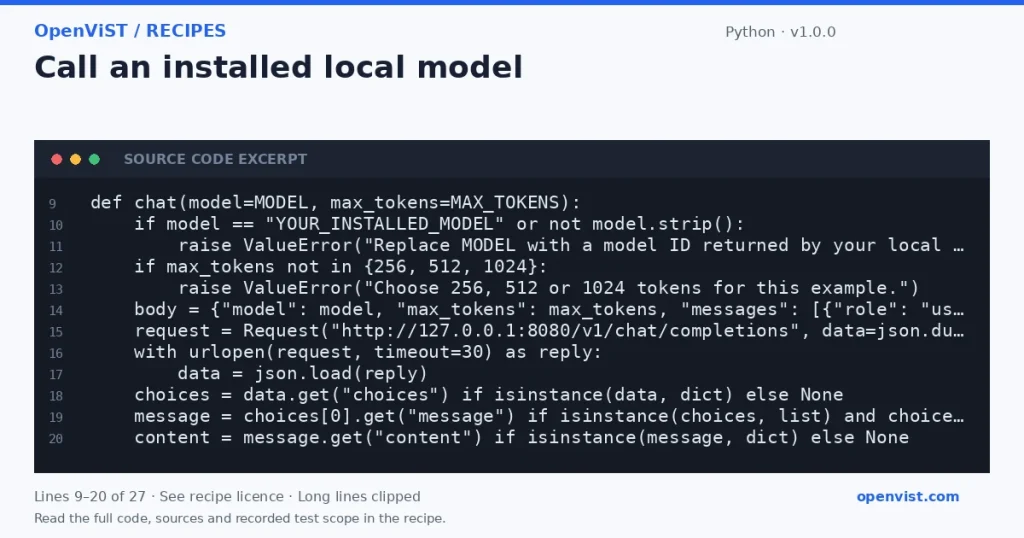
Send a bounded chat request to your own LocalAI service and inspect the returned assistant text.
A local API call becomes useful after a model and backend are installed and responding. This example keeps the service on loopback, sets an explicit output cap and reads the first assistant message. Changing the model field changes the request, but does not install a model or prove it supports every endpoint.
Before you start
Python 3.10 or later and a running LocalAI service on 127.0.0.1:8080.
A model already installed and listed by the service’s /v1/models endpoint.
Hardware resources and a model licence appropriate for your use.
Build and check
Follow the LocalAI installation instructions and confirm the service is available locally.
List the installed models and replace YOUR_INSTALLED_MODEL with the exact model ID.
Choose a token cap, inspect the code and run the file against your own service.
Check the output and backend logs. Record your model, runtime and hardware before comparing results or exposing the service to another application.
Limits to understand
The model must already be installed; the placeholder intentionally stops before a request.
Running locally still consumes hardware, storage and maintenance time.
This loopback example does not configure remote access, authentication, streaming or tool compatibility.
ADJUST THE EXAMPLE
Change a setting. Inspect the result.
This browser preview builds code locally. It does not contact an API or run the code.
Default example ready.
Python example
"""Call a model already installed on your own loopback LocalAI service."""
import json
from urllib.request import Request, urlopen

MODEL = "YOUR_INSTALLED_MODEL"
MAX_TOKENS = 256


def chat(model=MODEL, max_tokens=MAX_TOKENS):
    if model == "YOUR_INSTALLED_MODEL" or not model.strip():
        raise ValueError("Replace MODEL with a model ID returned by your local /v1/models endpoint.")
    if max_tokens not in {256, 512, 1024}:
        raise ValueError("Choose 256, 512 or 1024 tokens for this example.")
    body = {"model": model, "max_tokens": max_tokens, "messages": [{"role": "user", "content": "Explain what a JSON object is in one sentence."}]}
    request = Request("http://127.0.0.1:8080/v1/chat/completions", data=json.dumps(body).encode(), headers={"Content-Type": "application/json"})
    with urlopen(request, timeout=30) as reply:
        data = json.load(reply)
    choices = data.get("choices") if isinstance(data, dict) else None
    message = choices[0].get("message") if isinstance(choices, list) and choices and isinstance(choices[0], dict) else None
    content = message.get("content") if isinstance(message, dict) else None
    if not isinstance(content, str) or not content:
        raise RuntimeError("No assistant text was returned; inspect the model and backend logs.")
    return content


if __name__ == "__main__":
    print(chat())
What to verify after running
The destination remains 127.0.0.1; changing a model cannot redirect the request.
The placeholder is rejected and the maximum token setting is one of the documented choices.
Missing assistant text causes an explicit error instead of a fabricated response.
Request or format preview
Illustrative preview. No provider response, price or balance is fetched.