Turn a short description into a typed record and adjust the fields you want to keep.
A typed record helps the next part of an application work with predictable field names. This example uses an explicit Pydantic model and the Responses parsing helper. Add requirements or source URLs to change the generated schema. Structured output controls the format; the source text still determines what can be supported.
Before you start
Python 3.10 or later, the official OpenAI Python SDK and Pydantic 2.
Your own provider API access and a configured runtime environment. The downloaded script makes one paid request.
A small source description. Do not put private account details into the example.
Build and check
Inspect the default code, then toggle the optional fields and compare the Project model.
Install the dependencies in an isolated Python environment and configure your provider access using its secure settings.
Run the file once. Keep the parsed result only when the response completed and a parsed object exists.
Compare every value with the original text. Empty lists are appropriate when a requirement or source was not stated.
Limits to understand
A schema is a format guarantee, not factual verification.
Refusals, incomplete responses and network failures still need handling. This example stops instead of retrying silently.
The model, service tier and output cap are explicit. Check the provider’s current pricing before running.
ADJUST THE EXAMPLE
Change a setting. Inspect the result.
This browser preview builds code locally. It does not contact an API or run the code.
Default example ready.
Python example
"""OpenViST recipe: extract a small record. An API call happens only when you run this file."""
from openai import OpenAI
from pydantic import BaseModel


class Project(BaseModel):
    name: str
    purpose: str
    requirements: list[str]


SOURCE = "ExampleTool formats local JSON files. It requires Python 3. Its source is https://example.org/tool."


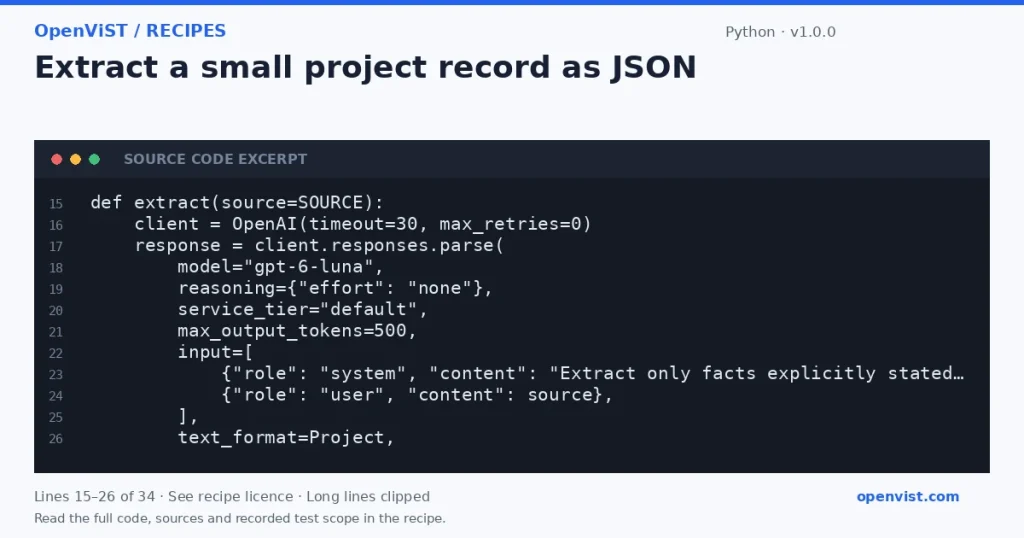
def extract(source=SOURCE):
    client = OpenAI(timeout=30, max_retries=0)
    response = client.responses.parse(
        model="gpt-6-luna",
        reasoning={"effort": "none"},
        service_tier="default",
        max_output_tokens=500,
        input=[
            {"role": "system", "content": "Extract only facts explicitly stated. Use an empty string or list for missing facts."},
            {"role": "user", "content": source},
        ],
        text_format=Project,
    )
    if response.status != "completed" or response.output_parsed is None:
        raise RuntimeError("The model did not return a complete parsed record; inspect status and refusals.")
    return response.output_parsed


if __name__ == "__main__":
    print(extract().model_dump_json(indent=2))
What to verify after running
The Project fields match the selected checkboxes.
A completed response has a parsed object, and missing facts were not invented.
The request is made only in your Python environment; copying and previewing the code make no request.
Request or format preview
Illustrative preview. No provider response, price or balance is fetched.